English
English
简体中文
Contact Us
Log In
Register
Developer Platform
English
English
简体中文
Contact Us
Log In
Register
Developer Platform
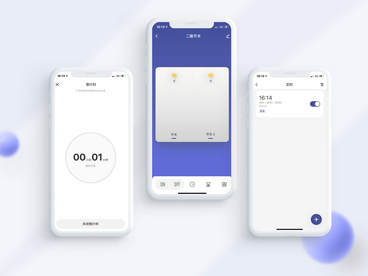
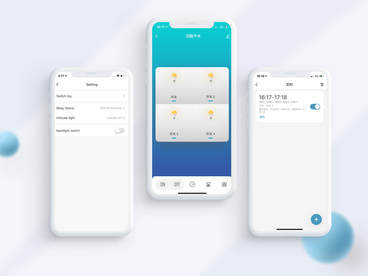
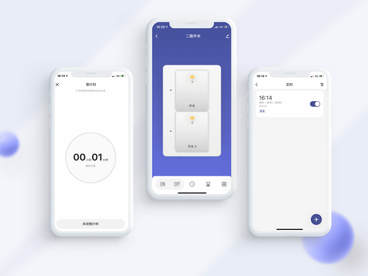
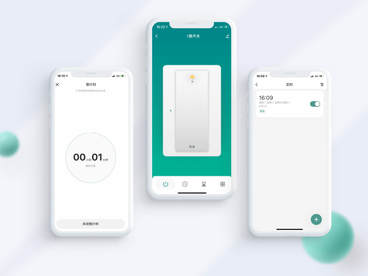
Experience control panel

Wi-Fi relay switch smart solution

Switch type | Remote control | Timer and Schedule | Inching Function | Electricity

Communication Protocol

Wi-Fi & Bluetooth

Number of Switch

One gang
Two gang
Three gang
Four gang
ShareConsult
Easily retrofit, make switches "smart"
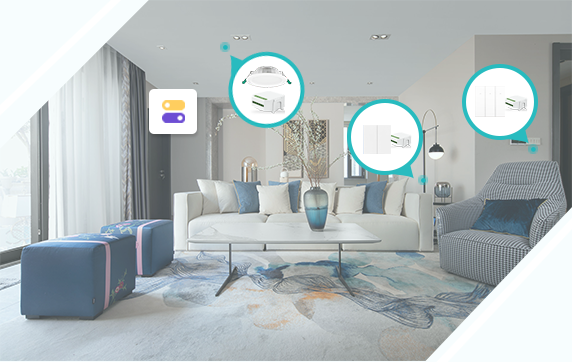
Smart relays are suitable for the smart upgrades of traditional electrical appliances. Small-sized, they are installed in switch boxes, saving the trouble of replacing existing devices such as switches, sockets, lights, and electrical appliances. Therefore, you can enjoy "smart" appliances without changing your home decoration style. They can be used to retrofit dual-control switches and empower various timer functions to them. Diversified product forms, such as light control switch, switch, curtain switch, dimmer switch, and fan switch, are provided to meet different household requirements.
Parameters
Communication Capability:Wi-Fi & Bluetooth LE
Chip Platform:BK7231N
Development Mode:SoC plug and play solution
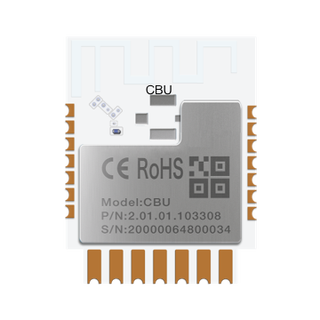
Recommended Module:CBU / CB3S / CB2S etc.
Power Consumption:Standard Power Consumption
Control Panel:Switch public panel
Updates
February 15, 2022New features: Optional support for beacon remote control, firmware version V1.2.1 (whitelist is required);
October 28, 2021New features: Support power statistics, calibration-free power chip BL0942&HLW8032, firmware version V1.1.2;
March 6, 2021New features: Support switch interlock, switch type, RF433 remote control (module decoding), serial port control;
Features
icon
Remote control
You can remotely control the smart relays with mobile apps to turn on/off electrical appliances, such as the lights and fans, and check their on/off status anytime and anywhere. When leaving home for work, turn off all lights to save energy with one tap.
icon
Voice control
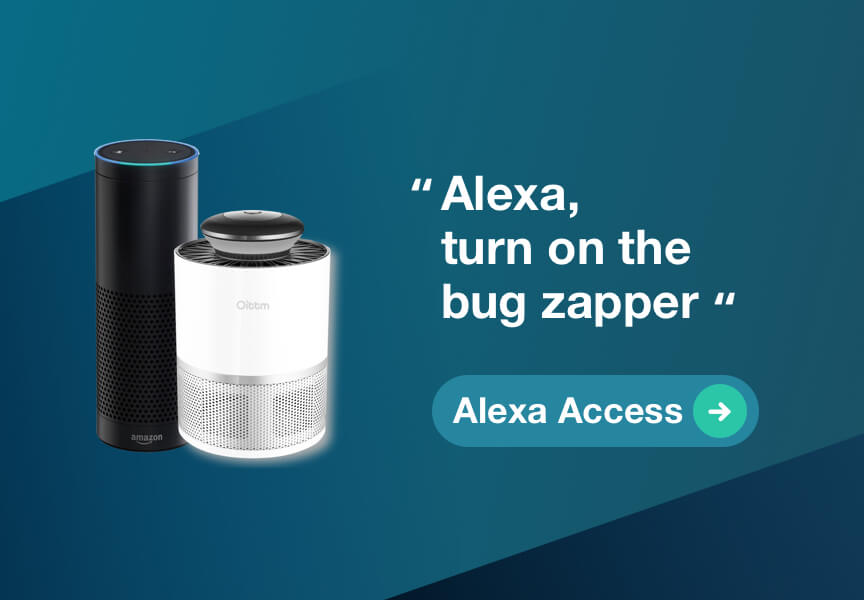
You can control all your switches hands-free with a smart speaker, such as Amazon Alexa, Google Assistant, Baidu DuerOS. For instance, if you are preparing dinner in the kitchen, just say "Alexa, turn the kitchen light on" and the smart speaker will carry out your voice command.
icon
Multi-input/output control
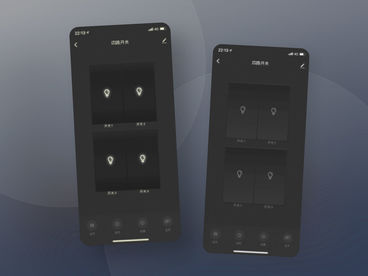
The smart relays support up to four channels of switch signal input and four channels of output control over electrical appliances. The same smart relay can control up to four electrical appliances, each controlled by an independent channel. The status of these appliances is clear at a glance. Use smart relays to upgrade multi-channel switches, enrich product categories, and meet household requirements.
icon
Multiple resetting methods
To reset a smart relay, press and hold its reset button, repeatedly turn on/off the switch connected to it, or repeatedly turn on/off the smart relay itself. Different product shapes are supported. You can use an indicator light or a buzzer as the network configuration indicator. You can conveniently install the smart relays at infrequently accessed places such as switch boxes and the ceiling. The pairing is also very easy through sound prompts.
icon
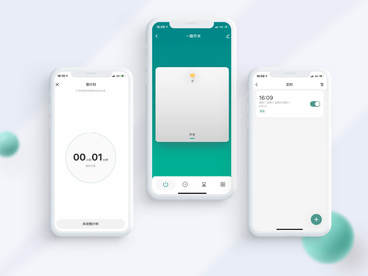
Timer
You can set a specific timer to switch on/off your home lights. For example, you can set the time for turning off the light in your kid's bedroom at 10:00 p.m. to remind him/her that it's bedtime. The smart switch can be configured to turn on/off lights after a brief period to suit your habits. If you set the countdown timer at 15 minutes, the light would be turned off 15 minutes later to help you fall asleep.
icon
Cycle timer
You can set a cycle timer for a relay to perform cyclic on/off operations without repeatedly setting timer tasks. For example, you can set a duration for which you want lights to stay on and a duration for which you want them to stay off within a specific period. Then, the relay will work accordingly. This feature is mainly used to manage repetitive light control tasks.
icon
Random timer
You can set a random timer for a relay to perform random on/off operations. You can specify a period of time during which devices will be randomly turned on/off. If you are not at home at night or out on vacation, you can enable the feature as an added security measure to keep thieves away because they would believe someone is at home.
icon
Smart linkage
You can connect this smart switch actuator with other "Powered by Tuya" smart devices across brands and categories. You can define a scenario in the app to enjoy hands-free convenience, for example, to turn a smart switch actuator on automatically when your smart door is unlocked.
icon
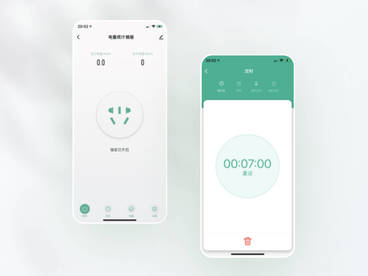
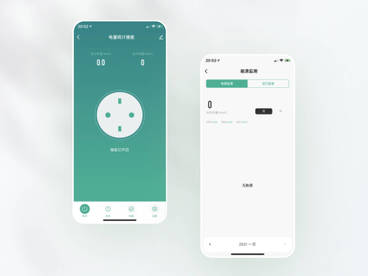
Electricity Statistics
The voltage, current, and power data are detected at all times, and the historical daily/monthly/yearly electricity consumption can be reviewed through the panel. Overcurrent, overvoltage and overload points can be set, and the relay will be automatically disconnected when the set value is exceeded to protect the safety of electrical appliances.
Scenarios
Remote control and smart linkage
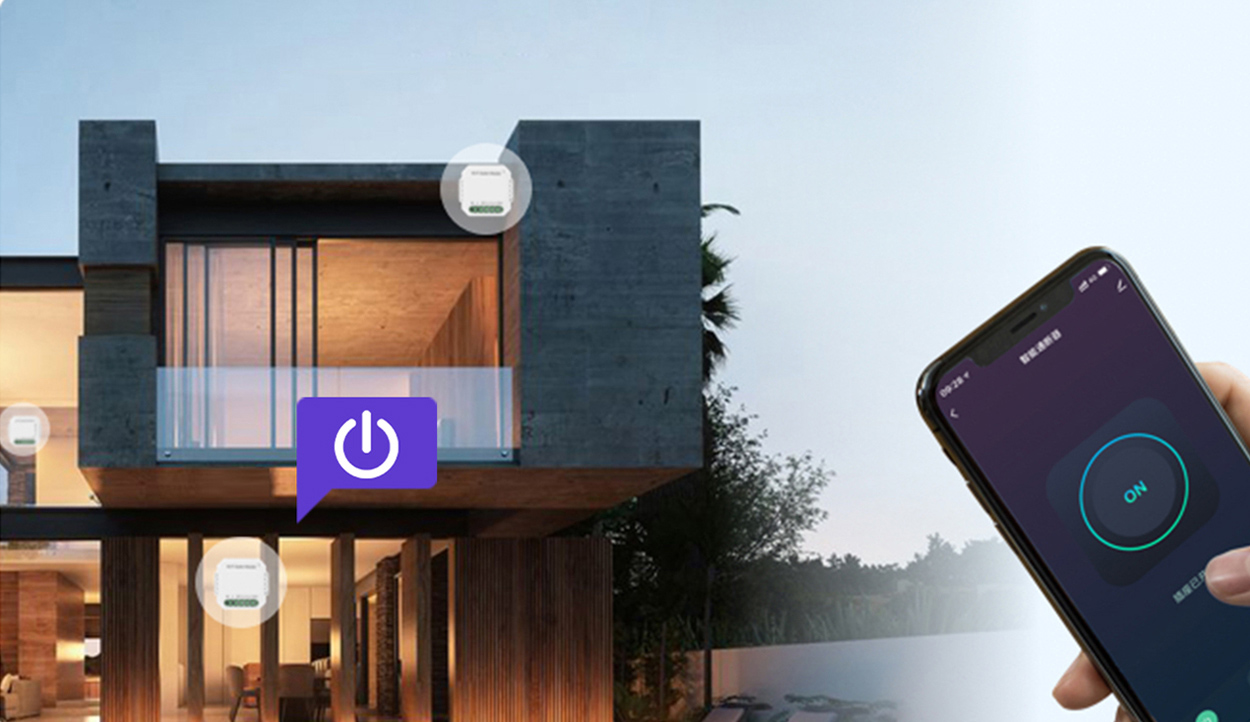
Integrate smart relays with dual-mode network modules to connect to Tuya Cloud, enabling devices to be connected and controlled. You can remotely control household appliances connected to the smart relay with the app anywhere and anytime. Implement "Powered by Tuya" device linkages across brands and categories.
Smart timer and colorful life
The solutions provide extensive timer functions to solve trivial problems in daily life. In the morning, the lights are automatically turned on at scheduled time to wake you up. At night, the lights are turned off after you fall asleep so that you won't have to walk in the dark. After leaving home, the fish tank is oxygenated periodically as per the cycle timer, and your lovely fishes won't suffocate when you are not around. If you stay out for a long time during the weekends, you can set a timer event to turn your lights on/off randomly to let others believe you are at home and keep thieves away.
Switch upgrade and smart dual control
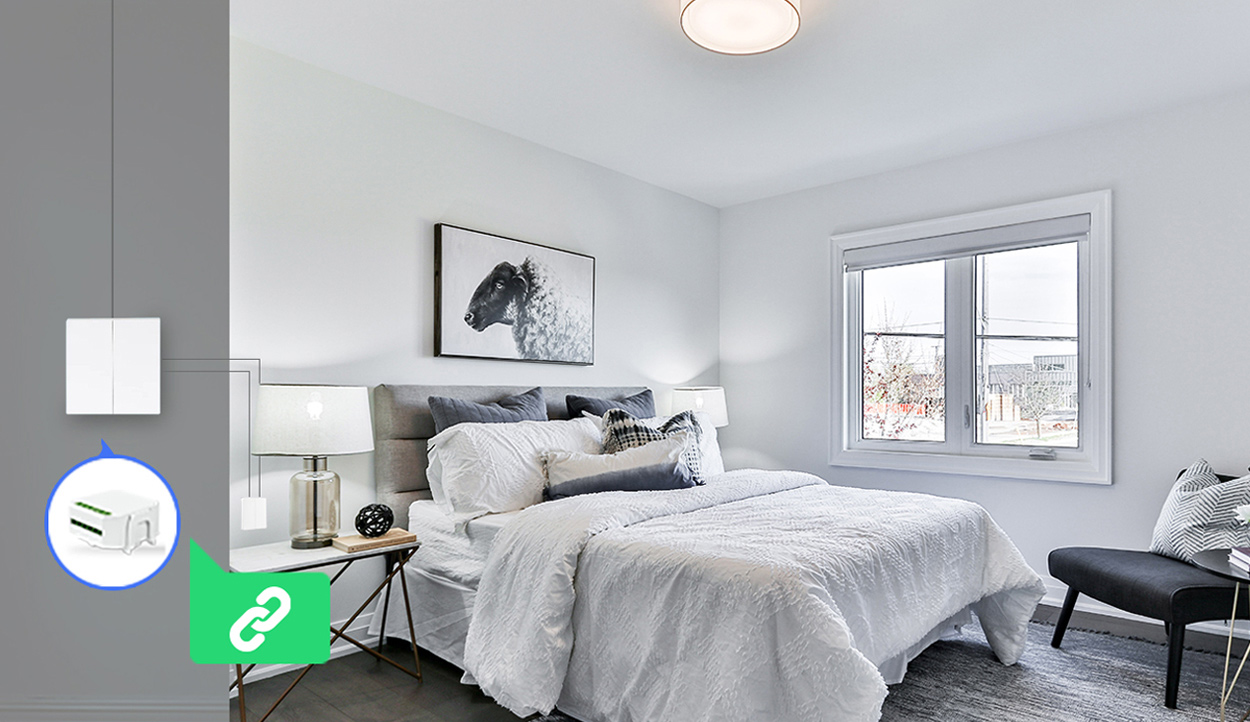
You can upgrade traditional switches to smart ones without replacement. Simply connect them to smart relays to complete the upgrade. When used with dual control switches that control the same light, the smart relay only needs to be installed in one of the switch boxes connected to the light. For example, you can use two switches to control the same light in your bedroom, one near the door and the other near the bed, to turn on/off the light conveniently.
Delay-off mode sets your hands free
Smart relays also support the delay-off mode. In this mode, you can set the value of the delay, after which the device is automatically turned off to avoid repetitive operations. For example, you can set a one-minute delay for the corridor light. After you turn on the light, it is automatically turned off one minute later, saving trouble and energy.
Solution Benefits
Why Choose Tuya?
icon
No-Code Development
Our no-code SoC solutions require no programming by yourself and no external MCU. You can complete app UI design, module selection, and hardware configuration in five minutes; complete demo development in eight hours; and start mass production in 15 days.
icon
Multiple protocols and modules
The smart switch supports multiple major communication protocols, Wi-Fi & Bluetooth LE, Zigbee, and Bluetooth mesh. Wi-Fi & Bluetooth LE modules support high-speed Bluetooth pairing and Bluetooth-enabled mobile phone control. The same series of modules based on different protocols are pin-to-pin compatible, so you can use them to develop products that support various protocols.
icon
Smart upgrade of traditional switches
You can install smart relays in the switch boxes without replacing them or changing your home decoration style. The smart relays support the logic of both rocker switches and self-reset switches and can adapt to different family needs.
icon
Power-on status setting
You can set the power-on status of the smart relays, such as power on, power off, and power-off memory, to respond to various emergencies. For example, if you set the power-on status of a smart relay that is connected to your refrigerator to power-off memory, then cut off the power and power it on, the refrigerator will be automatically powered on to keep your food fresh.
icon
Zero-crossing action
Performing the relay action at the AC zero-crossing point can prevent the relay contact from generating electric sparks and extend the relay's service life. You can set a brand-specific relay action time to apply your settings to more relays.
icon
Astronomical timer
You can set the time for the switch to turn on the lights around sunset and turn them off around sunrise. You can also specify the device locations and enable up to four weeks of offline control. For example, you can set the time for turning on the living room lights 30 minutes before sunset to ensure enough lighting.
Control Panels
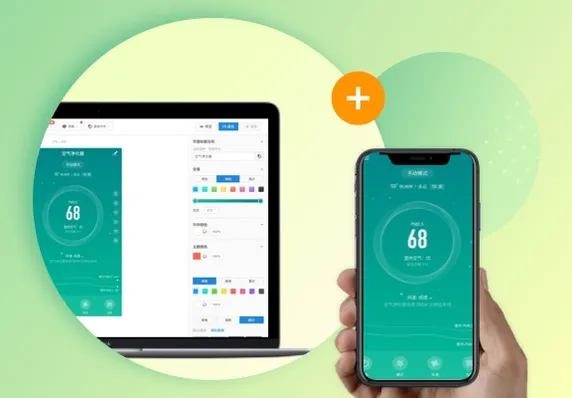
A component-driven and no-code approach where you can dictate and complete a control panel through drag and drop in just 5 minutes.
Learn More
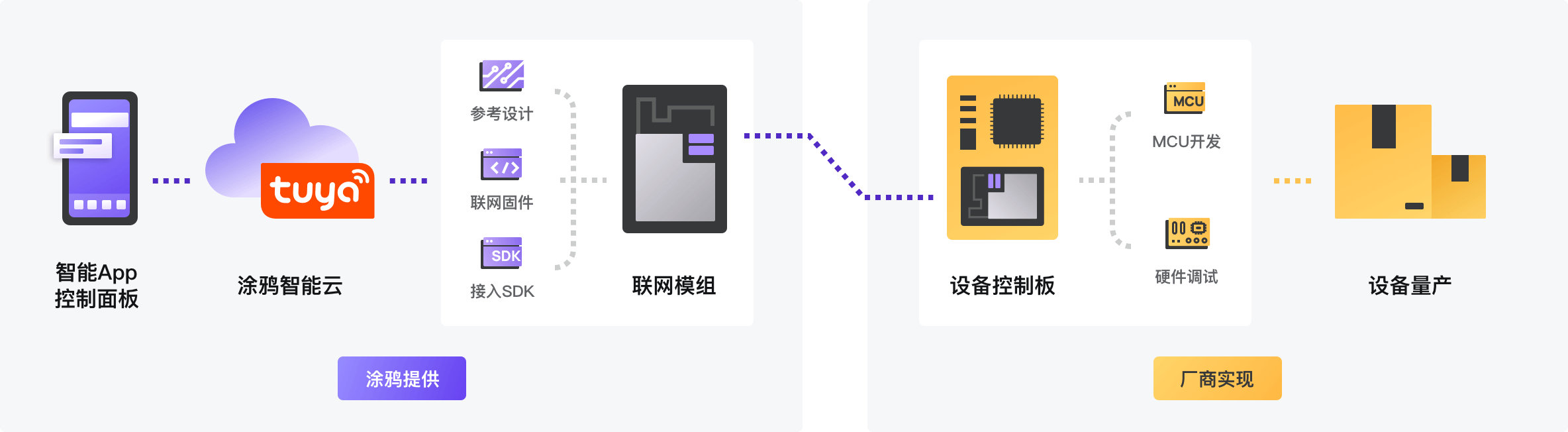
Development Process
Provide one-stop proven IoT solutions covering modules, software, apps, and cloud services, helping you achieve mass production within 15 days.
Comparison on Development Methods
MCU SDK Development
Use plug-and-play cloud modules to create smart products by writing only a few code to the MCU.
Low-Code
No need to extensively change the original MCU function code. Just integrate the MCU SDK to achieve device networking.
Cost Efficiency
No need to replace the master control chip. Just integrate Tuya's cost-effective modules on the existing hardware.
Short Cycle
No need to design, test, and calibrate complex radio frequency circuits. Tuya cloud modules and MCU SDKs facilitate modular development to shorten the development cycle and get your product into mass production much faster.
Learm More
No-Code Development
Quickly build smart IoT products online in a visualized way.
No-Code
Use the configuration dashboard to develop your product by simply clicking and selecting the desired options. The entire process works without coding. The simple, industry-leading, and step-by-step workflow allows you to quickly and easily develop smart products. You can complete the whole development process in just five steps.
Cost Efficiency
Our SoC solution provides the full system functions of a device, including networking capability. All you need to pay is a one-time module cost.
Short Cycle
Our plug-and-play solution is based on best practices from large-scale smart product development. Smart product models can be ready for mass production within 15 minutes.
Ease of Use
The development requires zero programming skills. Following the step-by-step workflow to complete function definition, app panel design, and hardware configuration.
Learn More
TuyaOS Pro-Code Development
Choose your desired chips to develop smart products.
Widely-Adaptive Feature
Get access to over 30 types of IoT chips covering all the major communication protocols.
Componentized Feature
Easily develop and deploy smart products based on our accumulated smart solutions.
Cost Efficiency
TuyaOS fully leverages IoT SoC resources. A single chip can implement the full functions of a smart product to reduce the cost of system hardware.
Learn More
Development Steps
1
Product Function Definition
Various standard functions enable you to define product functions rapidly and accurately.
2
App UI Design
Choose device panels as needed or design visualized DIY panels.
3
Hardware Development Debugging
Implement embedded development such as module and SDK development.
4
Product Configuration
Configure personalized products in real time, without changing any hardware.
5
Trial & Mass Production
Put into trial and mass production.